
Auto Dip
Fast, tweakable ducking volume automation.
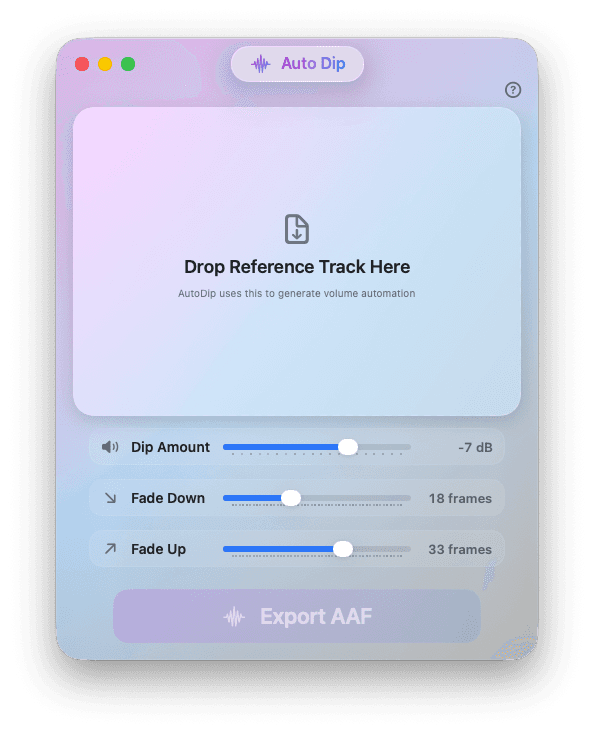
Other duckers only work in real time. Auto Dip works offline - drop in a Pro Tools text export and get back an AAF of real volume automation you can actually grab and tweak.
Buy Auto Dip
One-off licence · Instant download
How it works
1
Export your reference track
Select your VO track and export Session Info as Text, with “Selected Tracks Only” ticked.
2
Drop it into Auto Dip
Set the dip amount and the fade-down and fade-up lengths. Auto Dip makes a smooth dip for every clip.
3
Import the AAF
Copy the volume automation onto the track you want dipped. Real breakpoints you can grab and shape — not an inline plugin.